
 |
|
| Rating: 4.4 | Downloads: 50,000,000+ |
| Category: Art & Design | Offer by: Visual Blasters LLC |
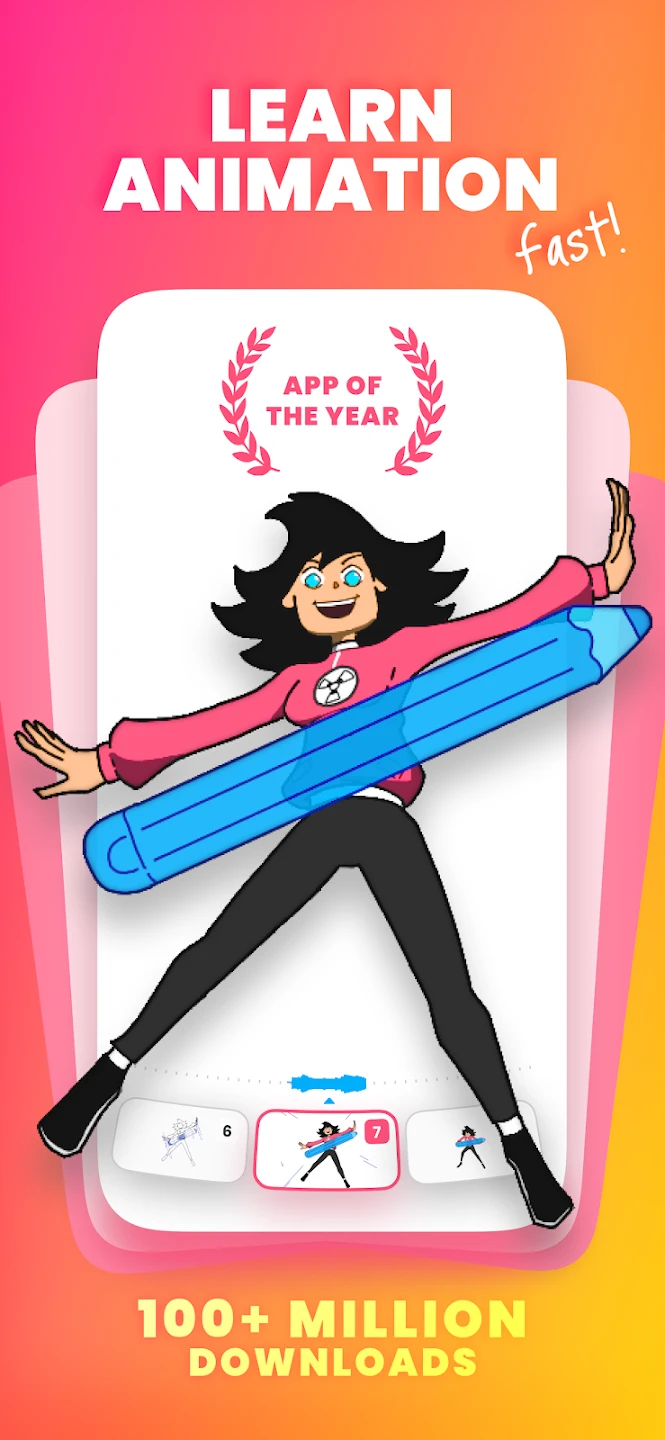
FlipaClip: Create 2D Animation is a versatile mobile app designed for creating 2D animations through intuitive drawing tools and frame-by-frame editing. Perfect for both beginners learning animation fundamentals and experienced artists seeking efficient workflows, FlipaClip bridges the gap between imagination and visual storytelling.
Its offline capabilities ensure you can work anywhere, while the clean interface streamlines the animation process, saving time without sacrificing creative control. FlipaClip app is particularly valuable for educators creating tutorials and marketers producing explainer videos.
App Features
- Frame-based Animation System: Create fluid animations by drawing and positioning characters frame by frame. This system allows precise control over movement, making it ideal for animating character walk cycles or adding subtle expressions.
- Voice Recording Tool: Sync your character movements with voiceovers for creating professional-quality explainer videos. This feature simplifies the process of adding dialogue and narration directly within the app’s timeline, enhancing storytelling capabilities without needing separate software.
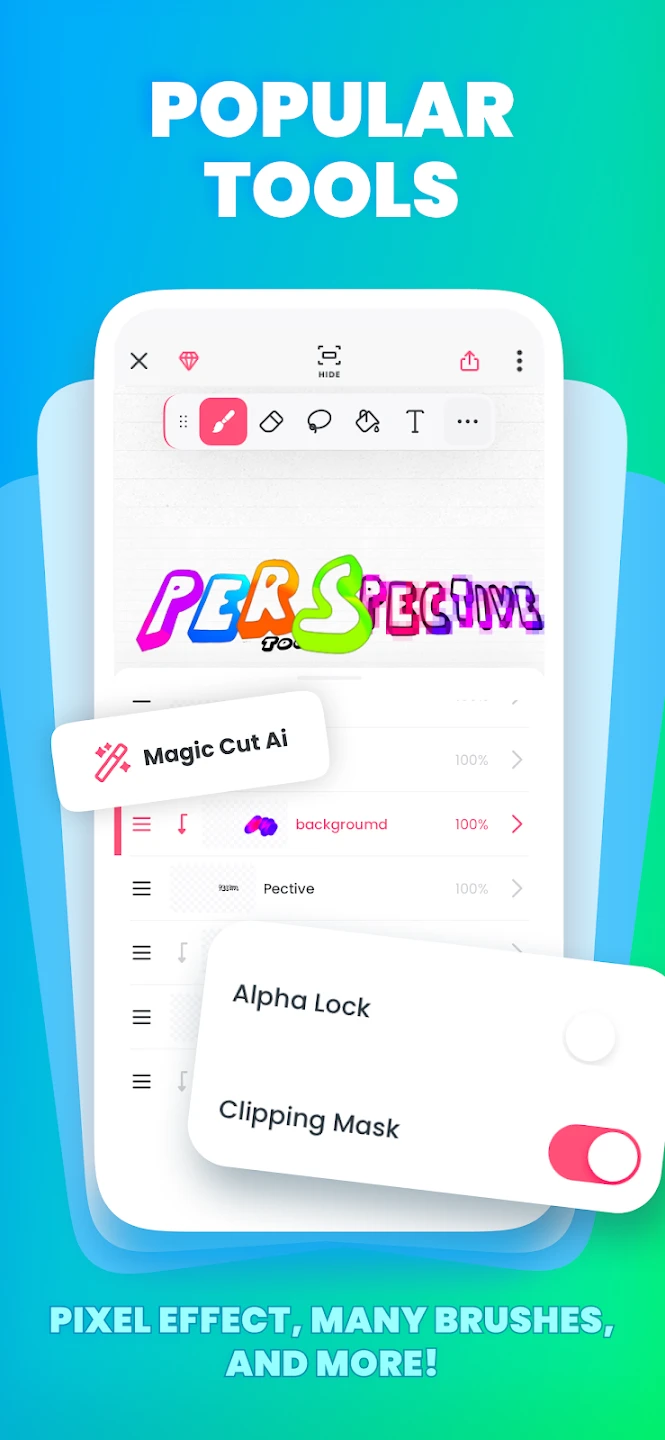
- Multi-Layer Canvas: Organize complex animation scenes with multiple layers, including character layers, background layers, and effect layers. This organization system makes it easier to manage detailed animations, such as adding parallax backgrounds or visual effects while maintaining a clean workspace.
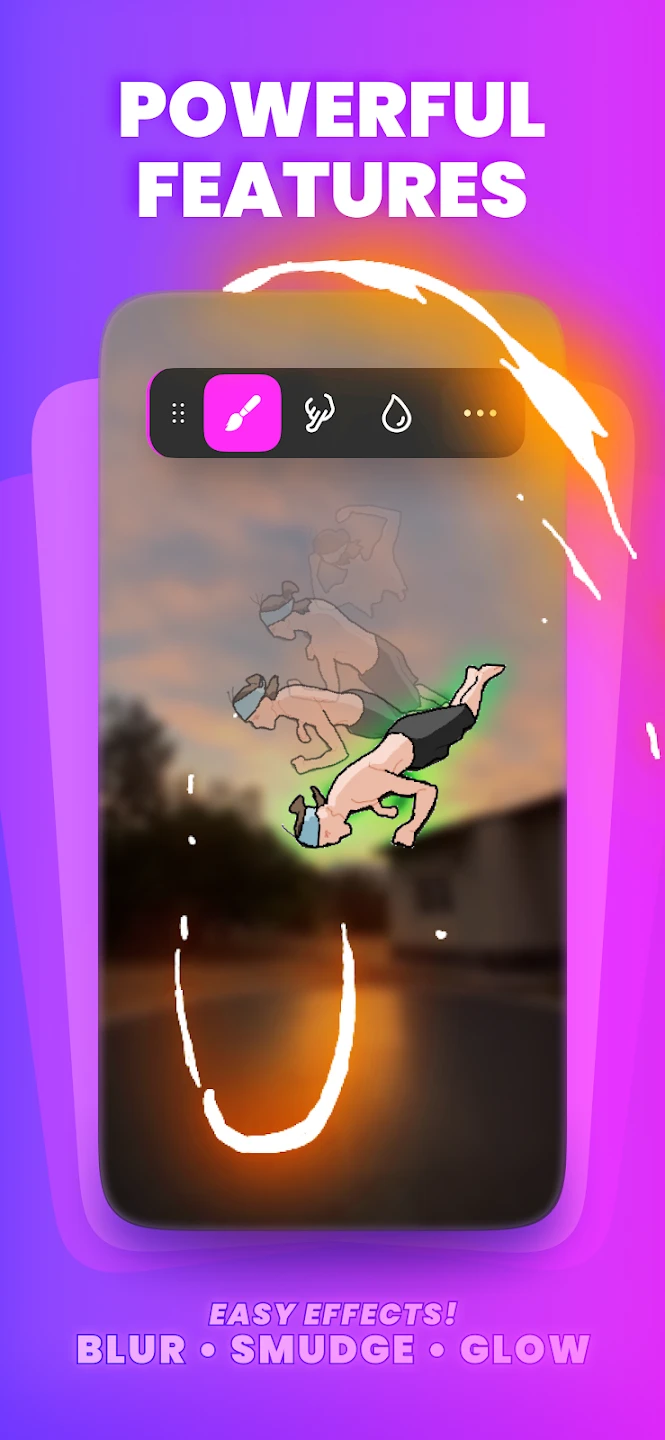
- Onion Skinning Technology: See previous and next frames through semi-transparent overlays, making pose-to-pose animation smoother and more accurate. This valuable tool significantly reduces drawing time by helping maintain character consistency, especially useful for animating repetitive actions like a character waving their hand.
- Vector Drawing Tools: Create resolution-independent animation assets using powerful drawing tools with customizable brush sizes and opacity. These tools support both digital painting and simple sketching styles, giving creators versatile methods to develop their animation elements while ensuring clean outlines and smooth gradients.
FlipaClip FAQ
Common questions about creating animations in FlipaClip.
How do I add audio in FlipaClip?
FlipaClip allows you to add music, voice, and sound effects to your animation.
You can usually add audio by opening the audio controls, tapping the add button,
and then choosing to import a file, record sound, or select audio from the built-in library.
What audio formats does FlipaClip support?
FlipaClip supports several common audio formats, including
wav, mp4, m4a, and mp3.
If an audio file does not work, converting it to MP3 is often a good option.
How many audio tracks can I use?
The number of audio tracks depends on the platform.
Android devices can use up to 6 audio tracks, while iOS devices can use up to 8.
What is onion skinning in FlipaClip?
Onion skinning is an animation feature that lets you see transparent previews
of the frames before and after your current frame.
This helps you draw smoother motion and keep character movement consistent.
Can I customize onion skin settings?
Yes. FlipaClip lets you turn onion skinning on or off and adjust how it appears.
In advanced settings, you can change things like visibility, frame range,
and color indicators for previous and upcoming frames.
How many layers can I use in FlipaClip?
FlipaClip supports up to 10 layers per frame, which gives users more control
when drawing characters, effects, and backgrounds separately.
Can I use FlipaClip for rotoscoping?
Yes. FlipaClip includes rotoscoping features, which means you can use videos
or images as references and draw over them frame by frame to create smoother animation.
Is FlipaClip good for beginners?
Yes. FlipaClip is designed to be beginner-friendly, with a simple interface
and tools that make it easier to learn frame-by-frame animation on a phone or tablet.
Pros & Cons
Pros:
- Easy to use for beginners, with a simple and intuitive interface.
- Good for making 2D animations, flipbooks, short cartoons, and simple creative projects on phones or tablets.
- Suitable for both beginners and more experienced animators.
- Supports audio, so users can add music and sound effects to animations.
Cons:
- Some advanced features require paid purchases or a subscription.
Similar Apps
| App Name | Highlights |
|---|---|
| Adobe Character Animator CC | Professional-grade animation software with advanced puppet tools and live camera integration. Offers multi-platform support and extensive character customization options. |
| Toon Boom Animation | Industry standard software used for feature films and TV shows. Includes high-end rendering and offers both complex professional tools and simpler entry-level options. |
| Splice Video Editor | Cinematic animation tool focused on motion graphics. Features timeline editing flexibility and offers robust keyframe control for sophisticated animation needs. |
Screenshots
 |
 |
 |
 |
FlipaClip: Create 2D Animation App Download |
|
|---|---|
 |
 |