
 |
|
| Rating: 4 | Downloads: 50,000,000+ |
| Category: Productivity | Offer by: Grammarly, Inc. |
Grammarly is more than a simple grammar checker. It is a smart writing companion built for people who want their words to sound clearer, sharper, and more polished in everyday situations. One reason the Grammarly App stands out in the crowded productivity space is that it does not only focus on fixing obvious mistakes.
It also looks at tone, clarity, word choice, and sentence flow. That means it can help you sound more natural, more persuasive, or more professional depending on what you are trying to say. In short, Grammarly is useful because it supports the full writing process, not just the final proofreading stage.
App Features
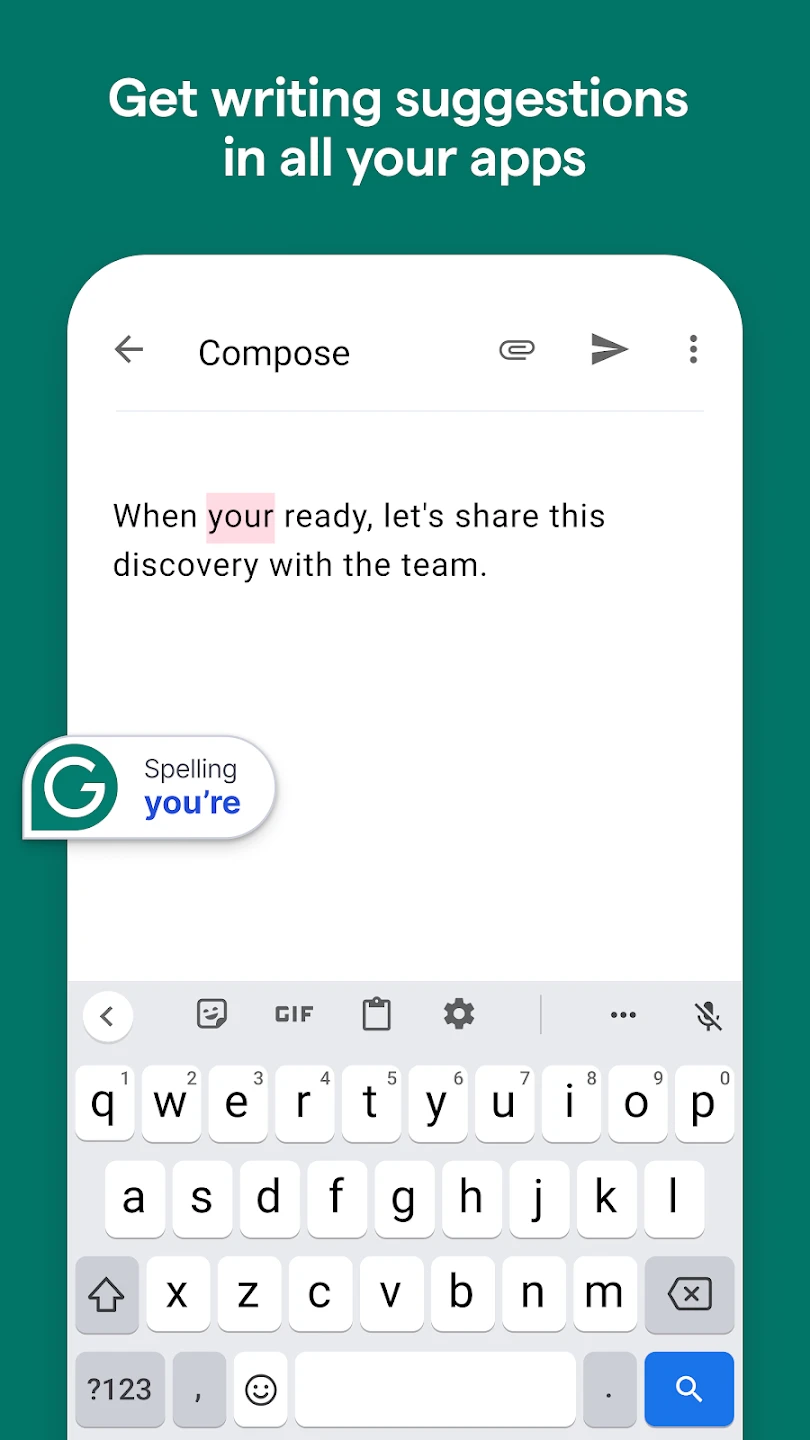
- Real-Time Grammar and Spelling Correction: Grammarly checks your writing as you type and catches grammar mistakes, misspellings, punctuation errors, and awkward phrasing in real time. This instant feedback makes editing much faster and helps users avoid small mistakes before they become part of the final draft.
- Clarity and Sentence Improvement: Beyond basic corrections, the Grammarly App highlights sentences that may sound wordy, unclear, or unnecessarily complicated. It often suggests cleaner alternatives, which is especially valuable for users who want their writing to feel direct and easy to understand.
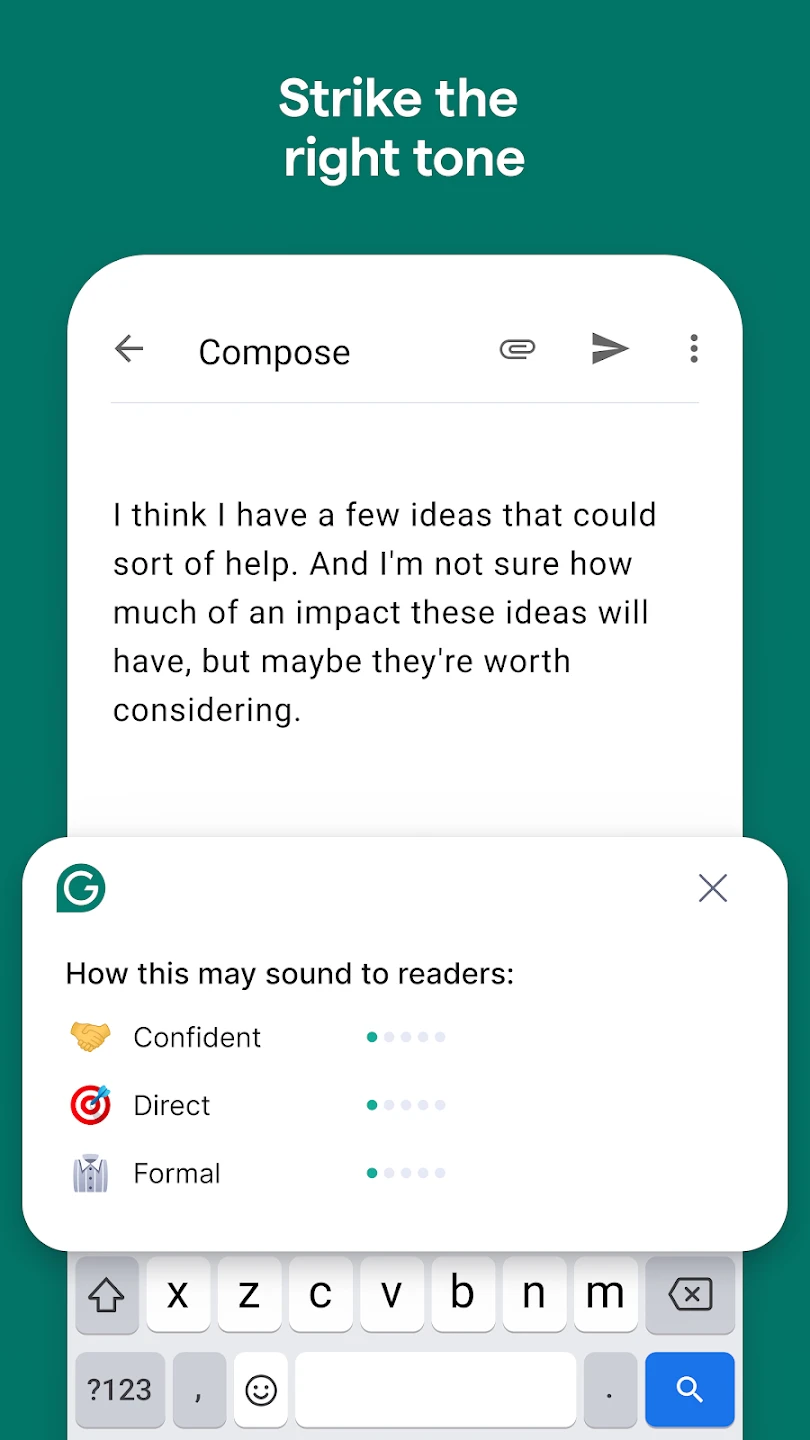
- Tone Detection and Style Guidance: Grammarly analyzes the tone of your message and can help you sound more formal, friendly, confident, or concise. This feature is helpful when writing business emails, cover letters, client messages, or anything where the wrong tone could create confusion.
- Vocabulary Suggestions: Instead of repeating the same words again and again, Grammarly may recommend stronger or more natural alternatives. These suggestions can improve both readability and engagement, especially in long-form writing where repetition becomes noticeable.
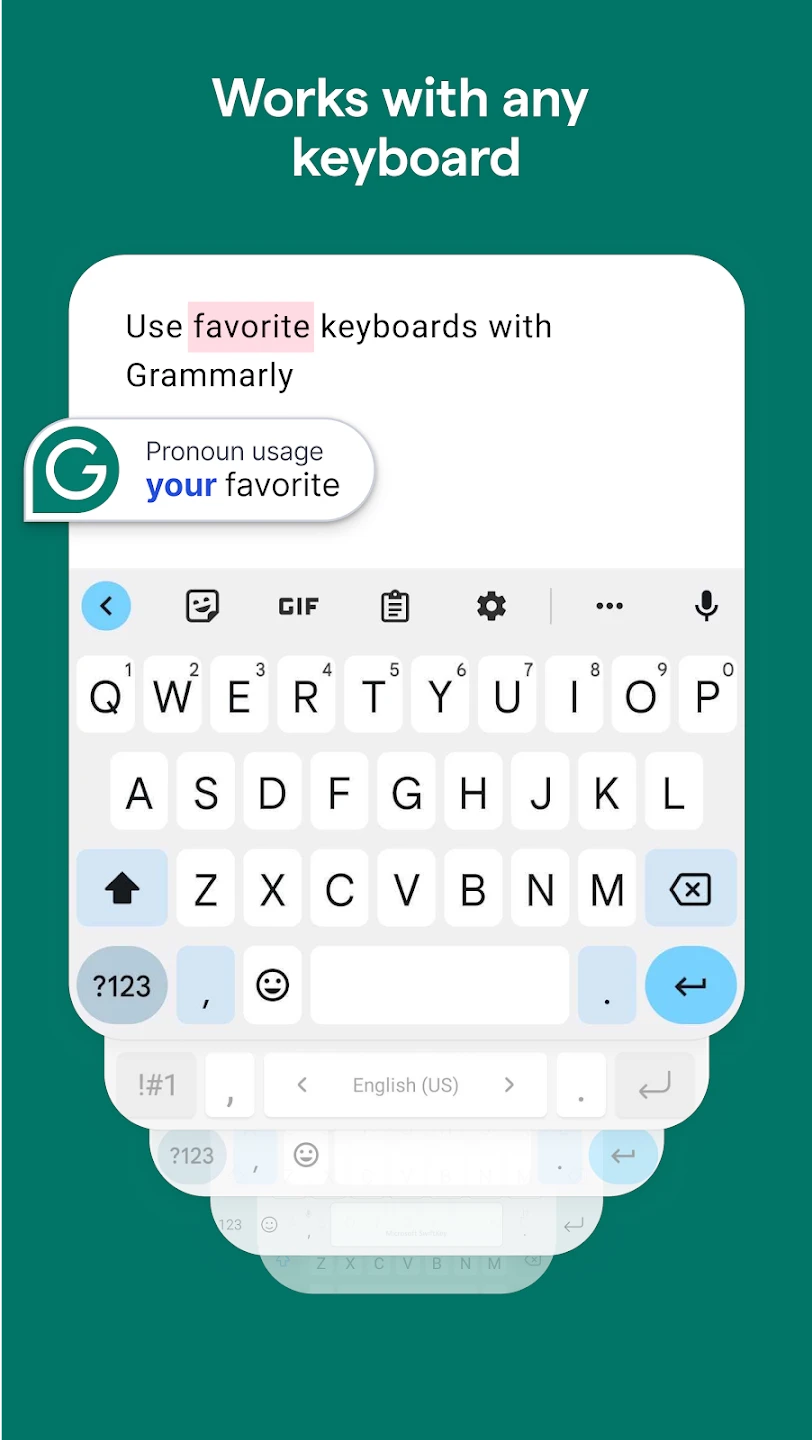
- Cross-App Keyboard Support: On mobile devices, Grammarly works as a keyboard, which means you can receive writing support while typing in messaging apps, emails, notes, browsers, and more. This makes it more versatile than tools that only work inside a single document editor. 📱
- Advanced Rewriting Assistance: Premium users get access to deeper suggestions, including sentence rewrites and more detailed writing enhancements. These tools are particularly useful when you want writing to sound more polished without spending too much time revising manually.
Why Grammarly Is Worth Trying
Most users are not creating perfect documents from the first sentence. They are typing quickly, multitasking, and trying to communicate clearly under time pressure. Grammarly helps bridge that gap by acting as a second set of eyes while you write.
Also, you do not need to be a professional writer to benefit from it. Even people who already write well can save time with faster edits, cleaner phrasing, and fewer overlooked mistakes. It is especially effective for people who write often but do not want to spend extra effort polishing every line manually.
Grammarly App FAQ
Common questions about Grammarly, including writing help, mobile keyboard support, premium features, and everyday usability.
What does Grammarly actually help with?
Grammarly helps users improve grammar, spelling, punctuation, clarity, tone, and overall readability.
It is useful not only for correcting mistakes, but also for making writing sound more polished,
professional, and easier to understand across different situations.
Is Grammarly good for work, school, and personal writing?
Yes. Grammarly works well for a wide range of writing needs, including emails, essays, reports,
assignments, cover letters, notes, and everyday messages. Its writing suggestions can help users
communicate more clearly whether they are writing for business, academic, or casual purposes.
Does Grammarly work on mobile devices?
Yes. The Grammarly App supports mobile use and is especially convenient for people who write often
on phones or tablets. Depending on the device, users can access writing suggestions, editing tools,
and keyboard support while working in different apps.
Does Grammarly have a keyboard for mobile typing?
Yes. Grammarly provides a mobile keyboard experience that allows users to receive real-time writing
suggestions while typing in supported apps. This makes it easier to correct mistakes and improve
wording without copying text into a separate editor.
What is the difference between Grammarly free and premium?
The free version covers core writing support such as grammar, spelling, and punctuation correction.
Premium offers more advanced tools, including deeper rewriting suggestions, tone refinement,
vocabulary improvements, and stronger support for clarity and style. Users who write frequently
may get more value from the premium version.
Can Grammarly improve more than grammar?
Yes. Grammarly goes beyond basic proofreading by helping users improve sentence flow, reduce
awkward phrasing, strengthen word choice, and adjust tone. This broader writing assistance is one
of the main reasons it stands out from simpler grammar-checking tools.
Who should use Grammarly the most?
Grammarly is useful for students, professionals, freelancers, job seekers, content creators,
and anyone who writes regularly in English. It is especially helpful for people who want to save time,
avoid small mistakes, and present their ideas in a clearer and more confident way.
Is Grammarly easy to use for beginners?
Yes. Grammarly is designed to be beginner-friendly, with clear suggestions and an interface that is
easy to understand. Most users can start improving their writing quickly, even if they have never
used a writing assistant before.
Does Grammarly work the same on every device?
Not always. Some Grammarly features may vary depending on whether you are using Android, iPhone,
iPad, desktop, browser extensions, or a premium account. The core writing support remains similar,
but certain tools and integrations can differ by platform.
Is Grammarly worth trying?
For many users, yes. Grammarly is worth trying because it can improve everyday writing with very
little effort. It helps reduce editing time, catches common mistakes early, and makes communication
feel more polished, which is especially valuable for people who write often.
Pros & Cons
Pros:
- Easy to use for both casual and professional writing
- Real-time corrections save editing time
- Tone and clarity suggestions add real value
- Mobile keyboard integration is practical and convenient
- Helpful for emails, essays, reports, and daily communication
Cons:
- Some of the best features are locked behind premium
- Certain suggestions can occasionally feel too generic
- Best overall performance is still centered on English
- Heavy users may become too dependent on automated suggestions
Final Verdict
Grammarly remains one of the most practical writing tools available for everyday users. Its biggest strength is not just that it catches mistakes, but that it actively helps improve how writing sounds and feels. From grammar fixes to tone refinement, it offers a broader level of support than many basic proofreading apps.
If your goal is to write faster, sound more polished, and avoid embarrassing errors in important messages, Grammarly is an easy app to recommend. While the free version is already useful, the premium features make the experience much stronger for people who write frequently. Overall, Grammarly is a smart productivity app that can make everyday communication noticeably better without adding complexity.
Similar Apps
| App Name | Highlights |
|---|---|
| Microsoft Editor | Offers grammar, spelling, and style suggestions with excellent Microsoft 365 integration. A strong alternative for users already working inside Word and Outlook. |
| ProWritingAid | Known for detailed reports and in-depth writing analysis. Best suited for long-form writers, bloggers, and users who want more editing data. |
| QuillBot | Popular for paraphrasing and rewriting sentences quickly. Useful for students and anyone who wants to improve wording or create alternate sentence versions. |
Screenshots
 |
 |
 |
 |
Grammarly App Download |
|
|---|---|
 |
 |